Quick Preset
Curated starting points for Serenity marketing.
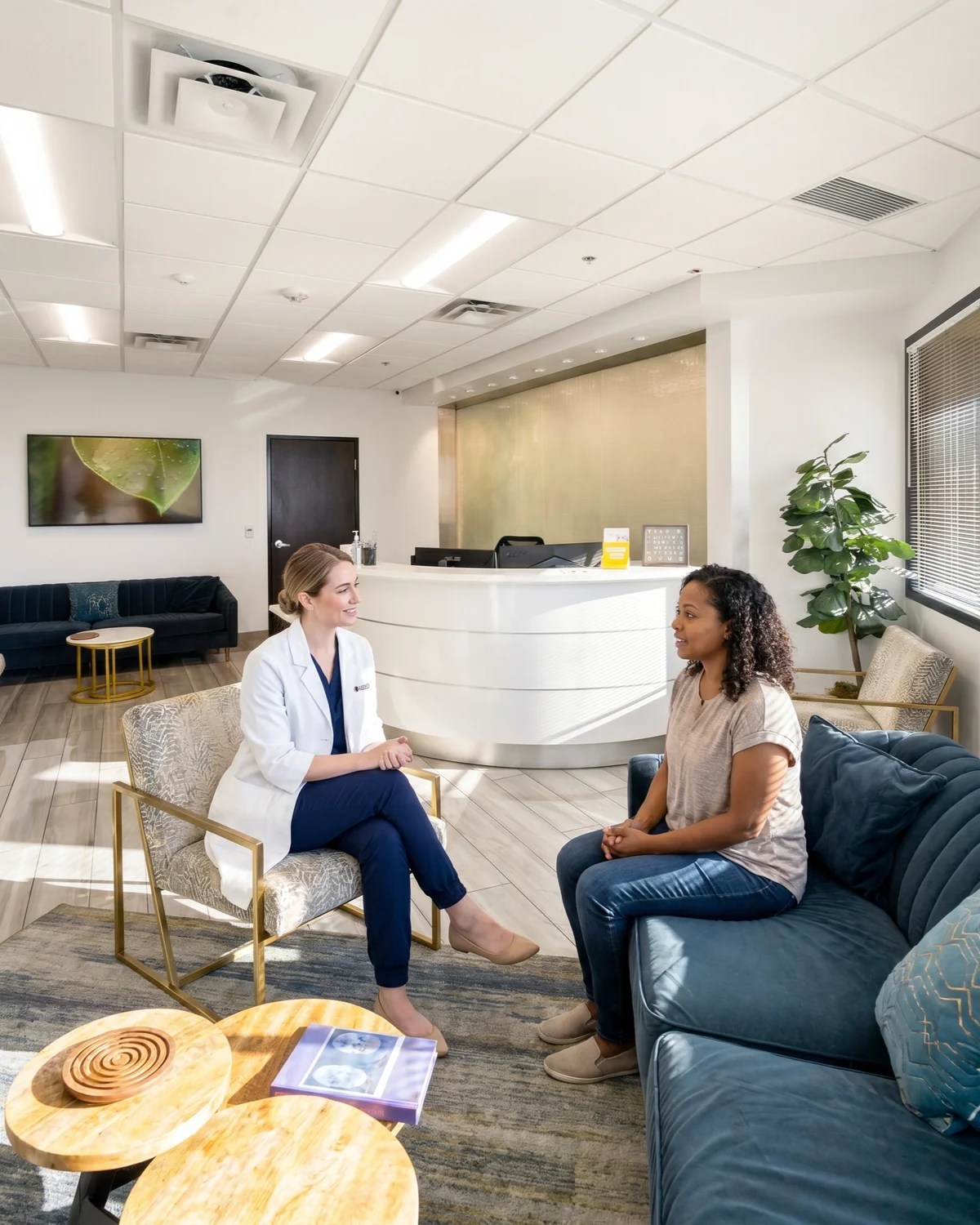
Therapy ConsultProvider + patient in conversation
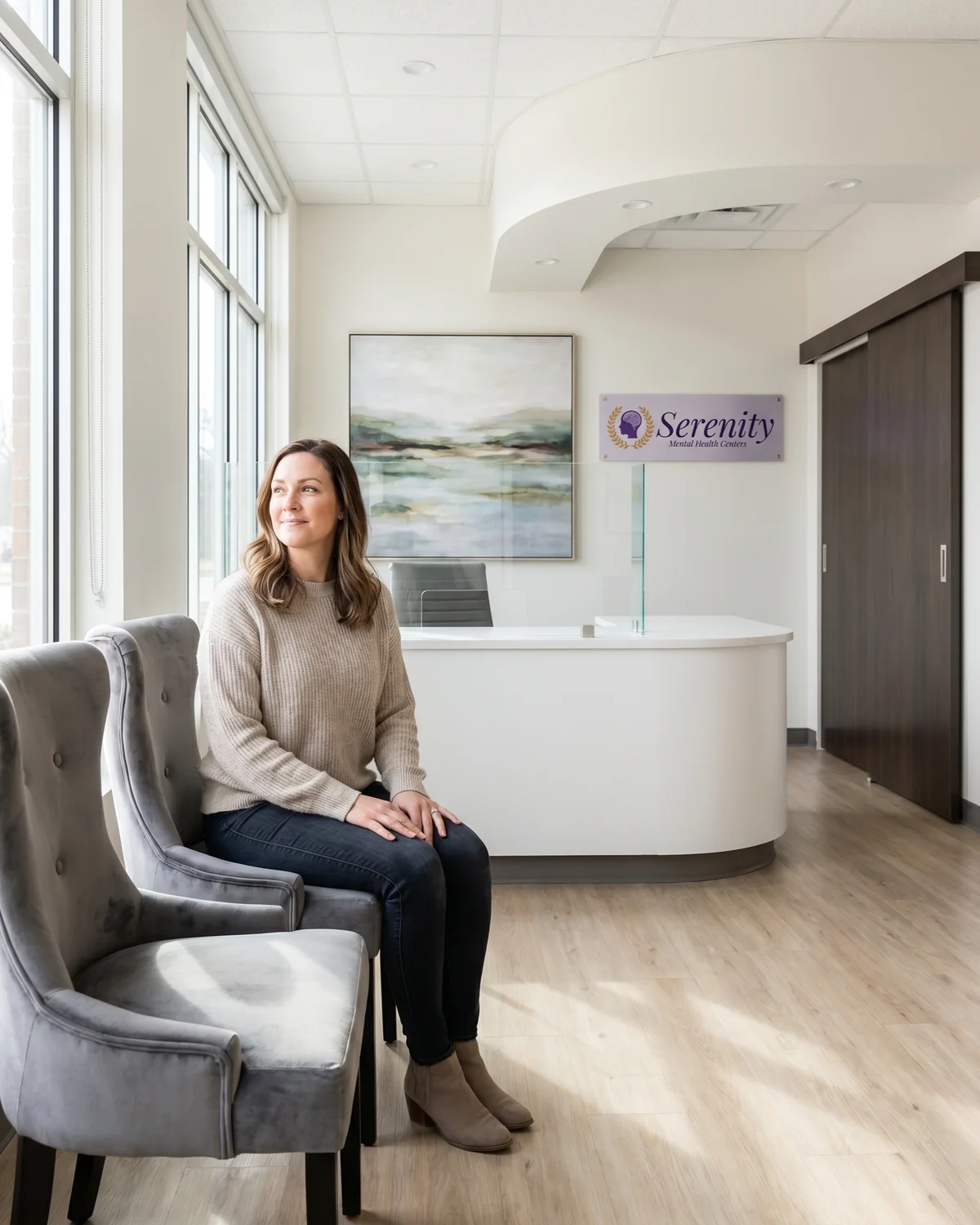
Welcoming ReceptionFront-desk welcome moment
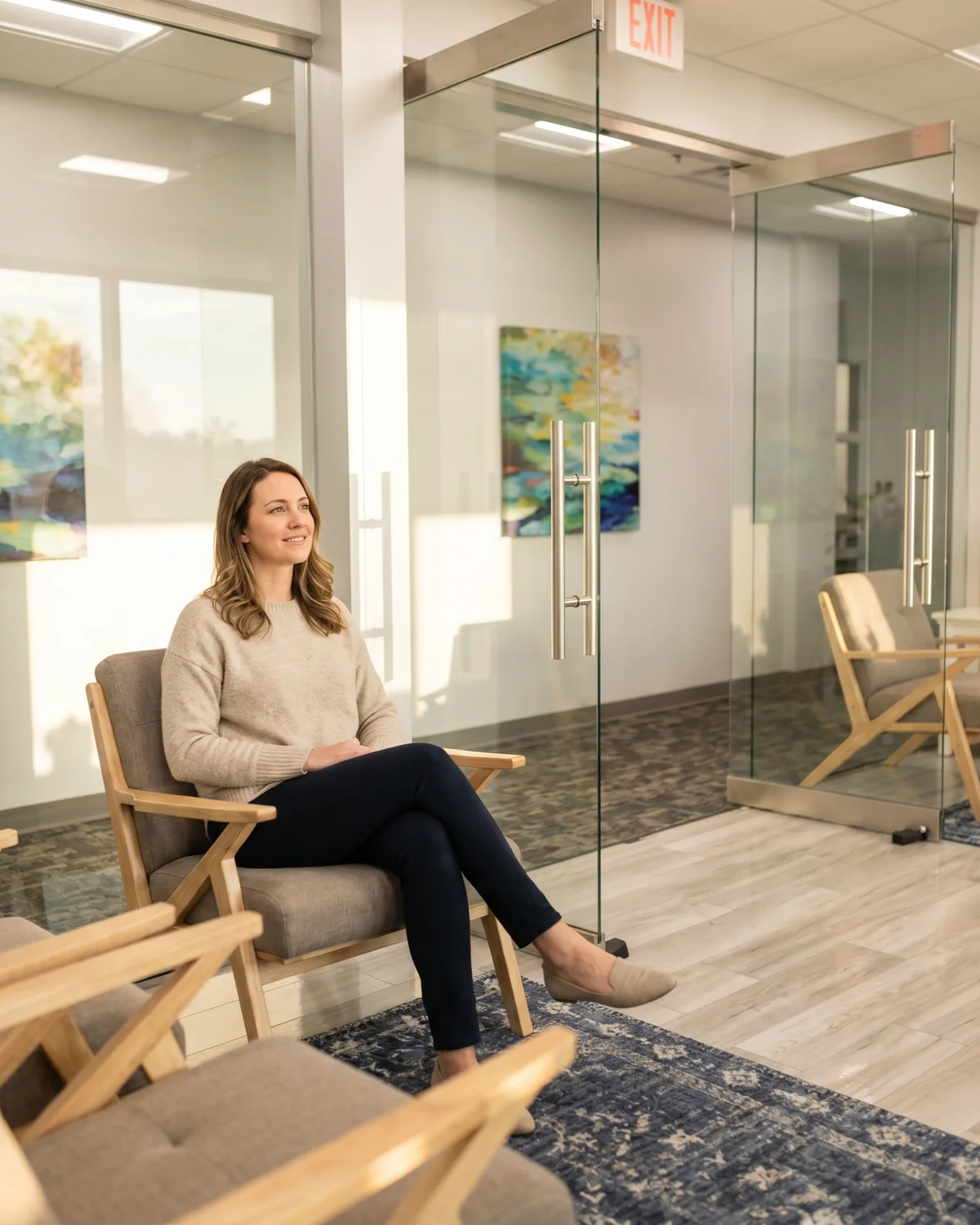
Calm Waiting RoomPatient relaxed in the lobby
Nurse IntakeGrey scrubs, supportive
Psychiatrist VisitWhite-coat provider
Hopeful PortraitPatient alone, calm
What it does → One tap pre-sets the scene, the activity, and a sensible default for who's in the photo.
Patient
The person seeking care. Calm, hopeful, in everyday clothing.
Subject Type1 adult patient ▾
Race / EthnicityDiverse / no pref. ▾
What it does → Tells the model who's in the photo so the result reflects the audience you're targeting.
Provider / Nurse
Optional clinician in the scene.
Include a providerAdds a clinician beside the patient.
OutfitWhite medical coat ▾
What it does → Toggles the second person on or off. Pick the role and outfit, grey scrubs or the Serenity-branded white coat.
Shot Type
Optional framing, leave it off to let the app choose.
What it does → Controls the framing, environmental wide, waist-up medium, both subjects together, over-the-shoulder, or a tight close-up.
Serenity Logo (in scene)
Place the Serenity wordmark on a wall inside the photo. Default: off.
Show Serenity logo in the photoSends the brand mark as a reference. Use sparingly.
What it does → Adds the Serenity brand mark naturally on a wall, like a real plaque or sign.


.webp)

.webp)
.webp)
.webp)
.webp)